Entertainment
Netflix Sleep Timer Hack – How to Stop Binge Watching at 3AM
😴 Netflix Sleep Timer Hack
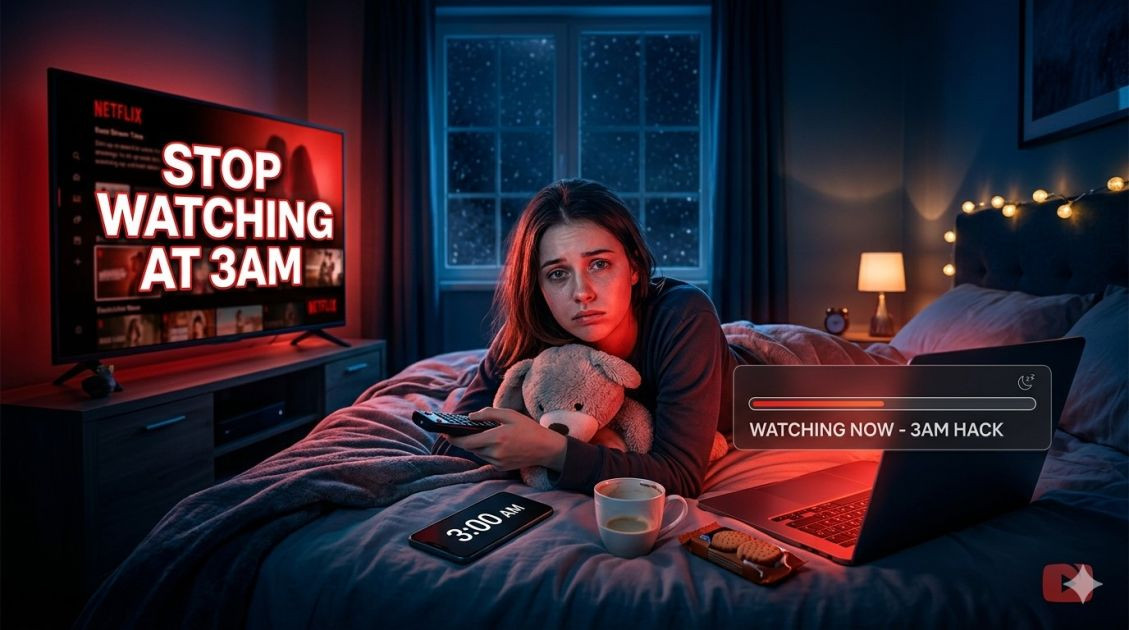
You fall asleep. Netflix keeps playing. You wake up 4 episodes later. Your phone battery is dead. You're exhausted. Here's the simple hack USA viewers are using — no app needed, works on iPhone and Android.
 ⏰ The Problem: Netflix doesn't have a sleep timer. Autoplay keeps running until your phone dies or you wake up in a panic at 3AM. The Solution: Your phone's built-in timer.
📱 How To Set Netflix Sleep Timer (iPhone)
Open the Clock app on your iPhone
Tap Timer at the bottom
Set the time — 45 minutes, 60 minutes, however long you want to watch
Tap "When Timer Ends"
Scroll ALL the way down to "Stop Playing" — this is the secret
Tap Set then Start
Open Netflix. Start watching. Fall asleep peacefully.
📱 How To Set Netflix Sleep Timer (Android)
Open Clock app (or Google Clock)
Tap Timer
Set your desired watching time
Tap the bell icon or "Timer sound"
Select "Stop media" or "Silence alarms and media"
Start timer → Open Netflix → Enjoy
 💡 Pro Tip: Combine this with "Download for offline" before bed. No buffering. No internet needed. Just peaceful watching until you drift off.
❓ Why Doesn't Netflix Have a Built-In Sleep Timer?
Good question. Netflix wants you to keep watching. Every extra minute is data for their algorithm. But your sleep matters more. Use this hack — it's free and takes 10 seconds.
📅 Updated: May 2026 | 🇺🇸 Used by 2M+ USA viewers
💬 Did this help you? Comment "Saved my sleep" if it worked!
🔔 Share this hack with someone who always falls asleep watching Netflix.